Hotfolder PrintsPurchaseDownload


Hotfolder Prints ... A flexible hot folder printing utility for event photographers and photobooth operators

Hotfolder Prints monitors a folder for new images and automatically formats them into a page which it prints or saves as a JPEG image. The ideal tool for event photographers and photobooth operators needing to format and print photographs automatically.


What is Hotfolder Prints?

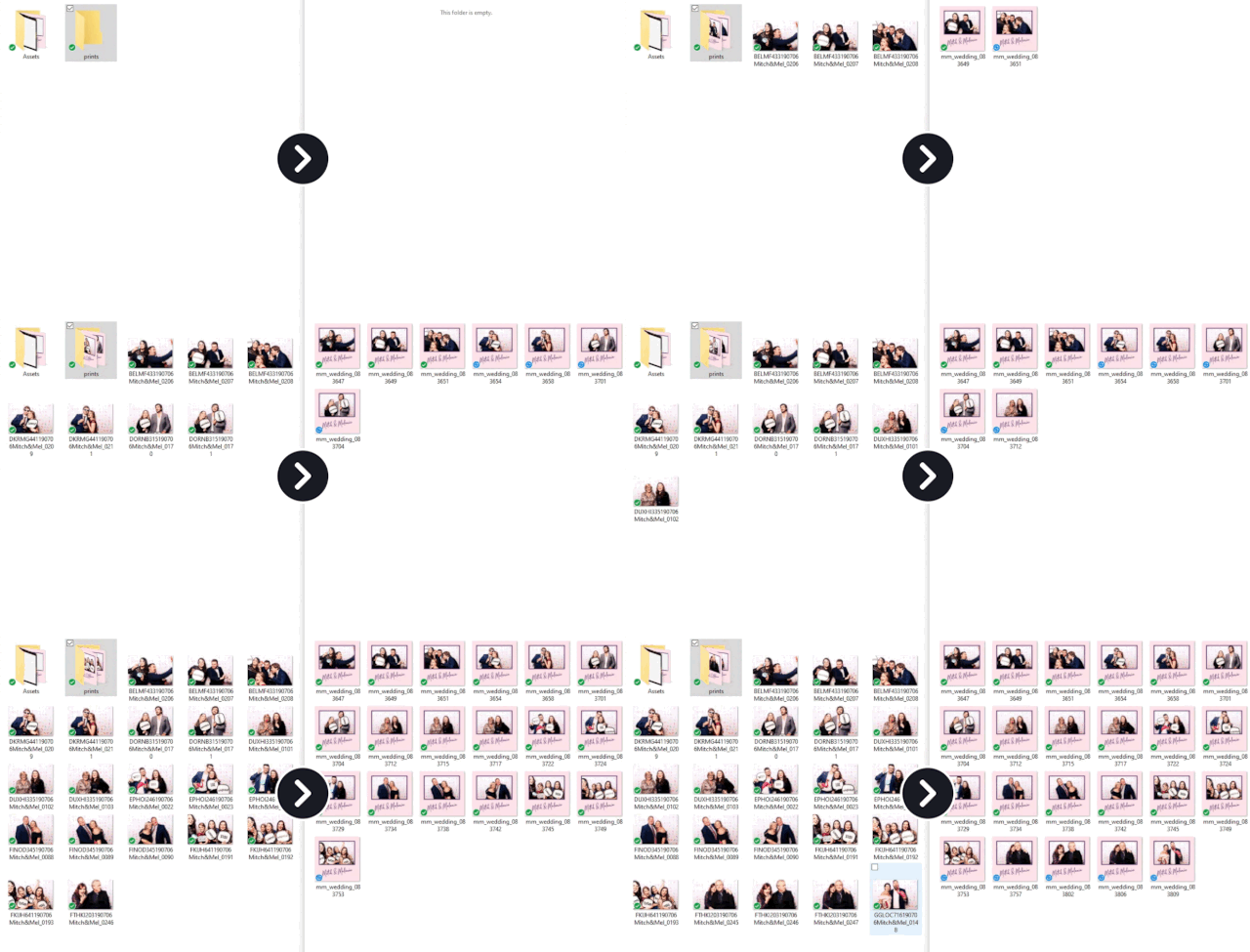
An invaluable tool for event photographers and photobooth operators wanting to automatically lay out images and print them. Hotfolder Prints monitors a folder for new JPEG images and when the required number of images are available it automatically formats them into a page ready for printing. The page is then automatically printed or saved as a JPEG image for later use. Hotfolder Prints uses the same layout options as our popular photobooth software and can place up to 10 different photos on a page with any size and orientation together with a background, overlay and captions. This allows almost any layout to be designed from single photos with captions and logos through to complex layouts with multiple photos and transparent overlays.

A number of example uses for Hotfolder Prints are described below:

Event Photography

Setting up a mini studio with a backdrop and lights to take portraits is a popular form of event photography. Typically the photographer takes several photos of people and then either prints them all automatically or has an assistant who reviews them with the customer and selects the best ones for printing. Hotfolder Prints can help with both scenarios:

Automatic printing
: The photographer takes the photos which are automatically downloaded to the PC (e.g. by shooting tethered using software our camera control software). Hotfolder Prints will monitor the download folder and when it has the required number of images it will automatically format and print them.

Selective printing: The photographer takes several pictures of each guest and these are downloaded automatically to the PC as above. An assistant then reviews the images with the guests (e.g. using our BreezeBrowser Pro software), selects the best ones and copies them to the hot folder. Hotfolder Prints will monitor the hot folder and when it has the required number of images it will automatically format and print them.

Photobooth Slideshow Images

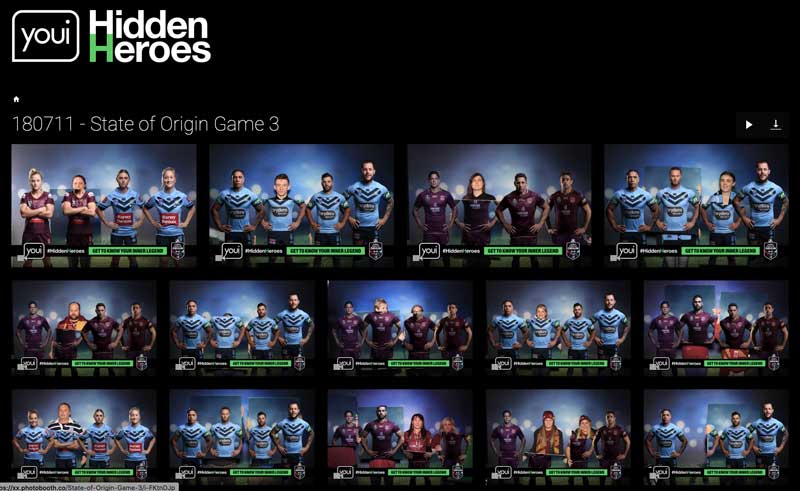
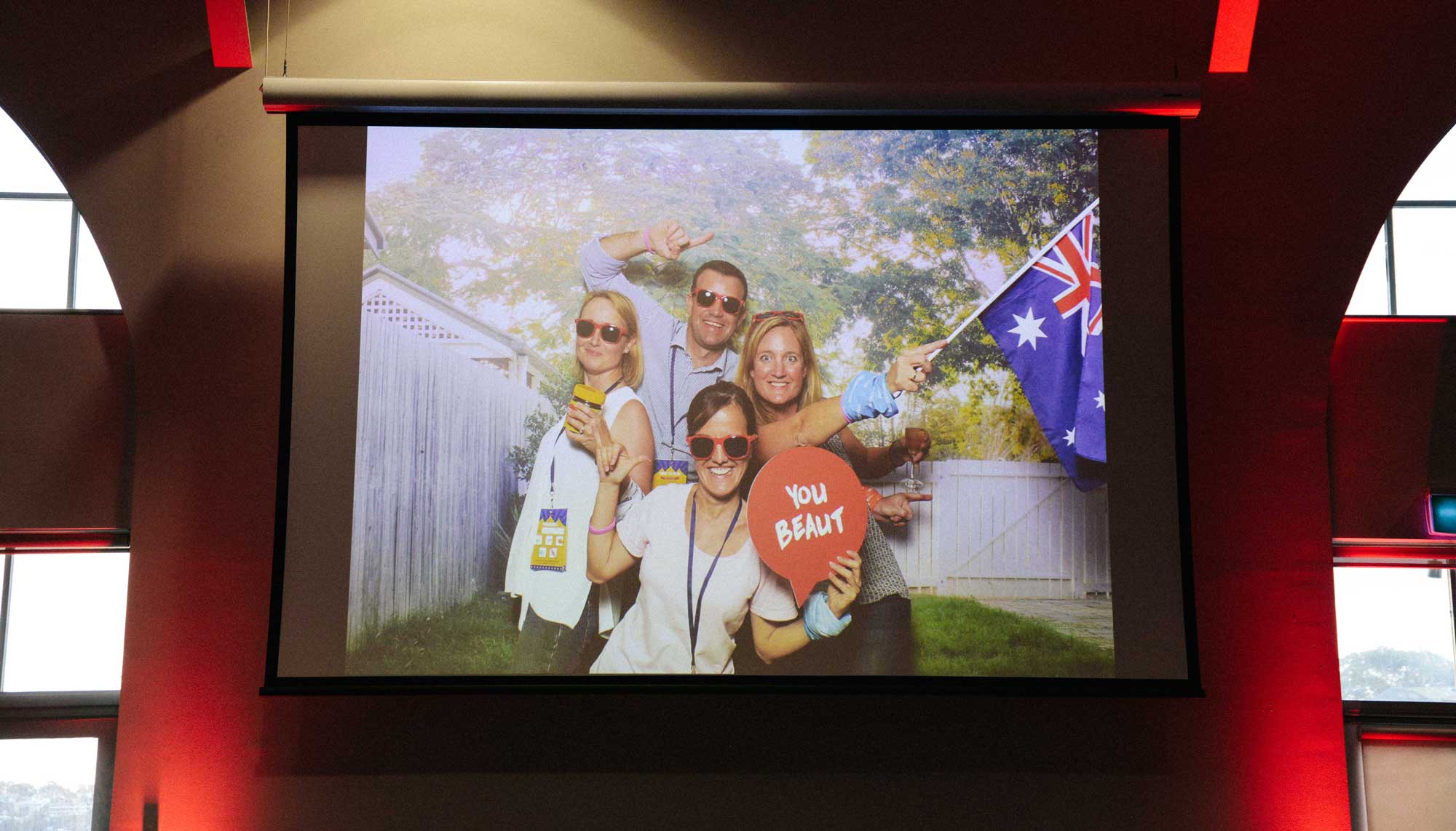
Running a slideshow of the photobooth images on a large screen outside the booth is a great way to enhance the photobooth experience at an event. Hotfolder Prints allows you to arrange the shots from the photobooth so that they can be displayed on the screen using a different layout from the printed strips. Tools like the slideshow in our BreezeBrowser Pro software can automatically display these formatted images as a slideshow and include new images as they are taken.

Examples of how images can be arranged for display on a large screen by Hotfolder Prints:


The same photos printed as a double strip by our photobooth software:


Green Screen Shooting

Green screen is a technique for taking pictures against a green background and then automatically replacing the background with another image to make it appear that the pictures were taken somewhere else. Green screen shooting is a fun way to add a new dimension to photobooth shooting or event photography by placing people against different backgrounds such as a beautiful sunset or pretending to party with well known celebrities. A typical green screen setup works as a three step process:

1) Capture: The photobooth software displays a live view of the people against the selected background image and then takes the photos and saves then to a folder on the PC's hard drive

DSLR Remote Pro for Windows displays live view images with the chosen background replacing the green background

2) Replacing the background: Green screen software such as Green Screen Wizard Pro Batch monitors the folder where the images are saved, automatically replaces the green background with the background image and saves the results to a different folder.

Green Screen Wizard replaces the green background with the chosen background image

3) Output: Hotfolder Prints monitors the output folder from the green screen software and when it has the required number of images it will automatically format and print them.

Images automatically formatted and printed by Hotfolder Prints

Please see the page on green screen page for more information on green screen shooting.

What Do I Need to Install Hotfolder Prints?

An internet connection to download the software and a Windows 7, Vista, XP, or 2000 computer.

How Much Does Hotfolder Prints Cost?

Hotfolder Prints costs US $125 (click here for free trial* or to purchase) and includes one full year of free upgrades.
*Risk Free. Try before you buy. When you do decide to buy there is no need to download the software again - simply place your order and then enter your registration code to unlock the software.

Home | Products | Purchase | Download | Support | Reviews | About | News | Links

© Copyright Breeze Systems 2010

Hotfolder Prints - A flexible utility which monitors a folder for new images and automatically lays them out on a page and prints them