Used by professional photographers and others who needs to minimize time spent downloading and organizing photographs
Organise images as they are downloaded, renaming and sorting them into directories and folders
All JPEGs
Download JPEG images from all camera makes
Most RAW and movie files
Canon, Nikon, Olympus, Pentax, Fuji, Sony, Panasonic, Leica, Sigma and Hasselblad
Card readers & cameras mounted to a Windows drive
Full Integration with BreezeBrowser Pro
Run BreezeBrowser Pro from Downloader
Start Downloader from BreezeBrowser Pro
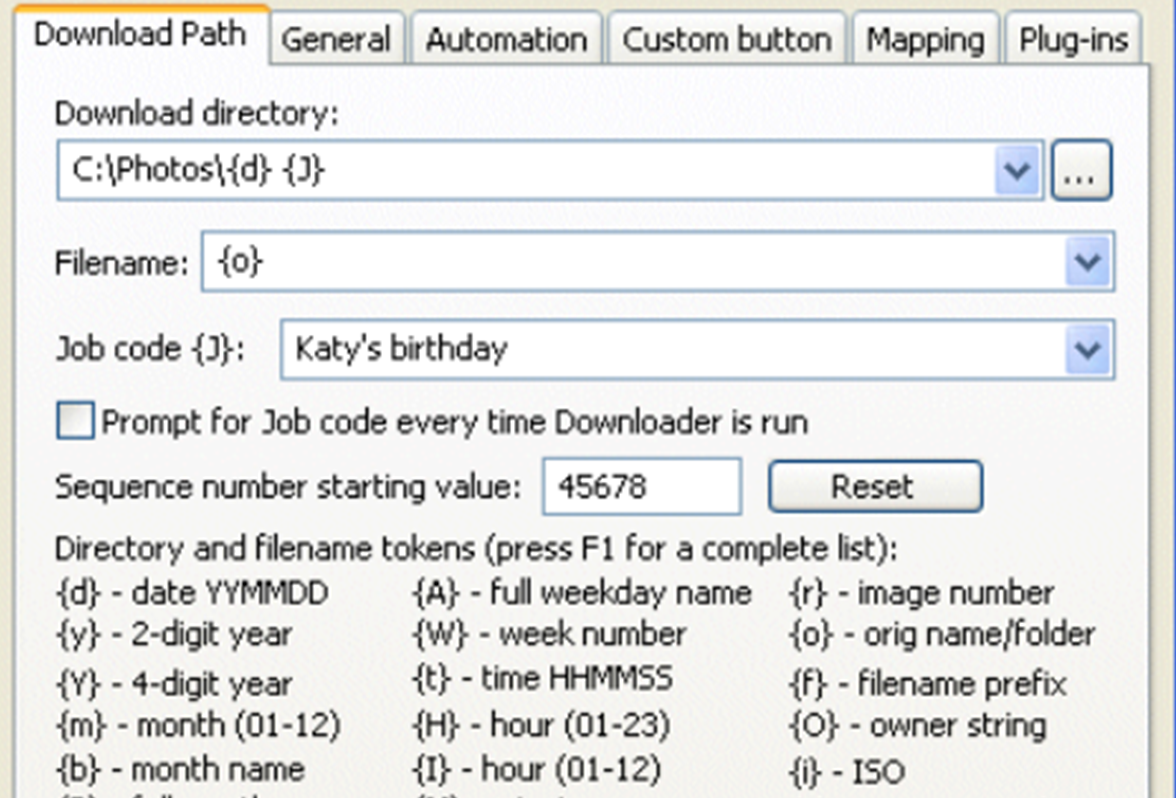
Simplify workflow
Create sets of related directories and automate the download for each download directory.
- Supports single & multiple day jobs
- Automate creation of sets of related directories (eg Job XYZOriginals, JobXYZ\working, JobXYZ\Final)
- Specify download path using shooting data, date & time, and other tokens
- Download images from different cameras to different folders
Handy plugins
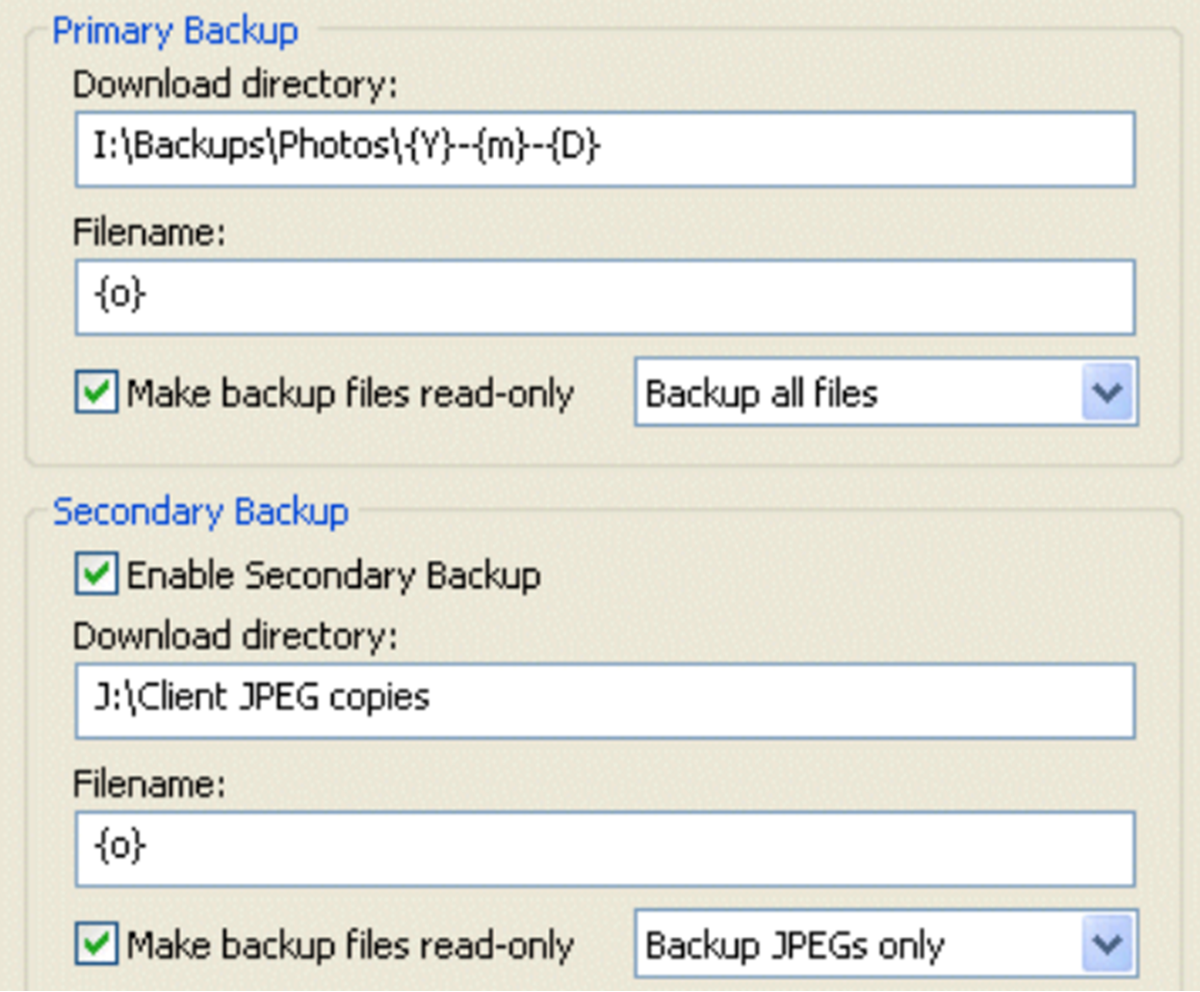
Make up to two backup copies of each image as it is downloaded, using the smart Backup Plugin
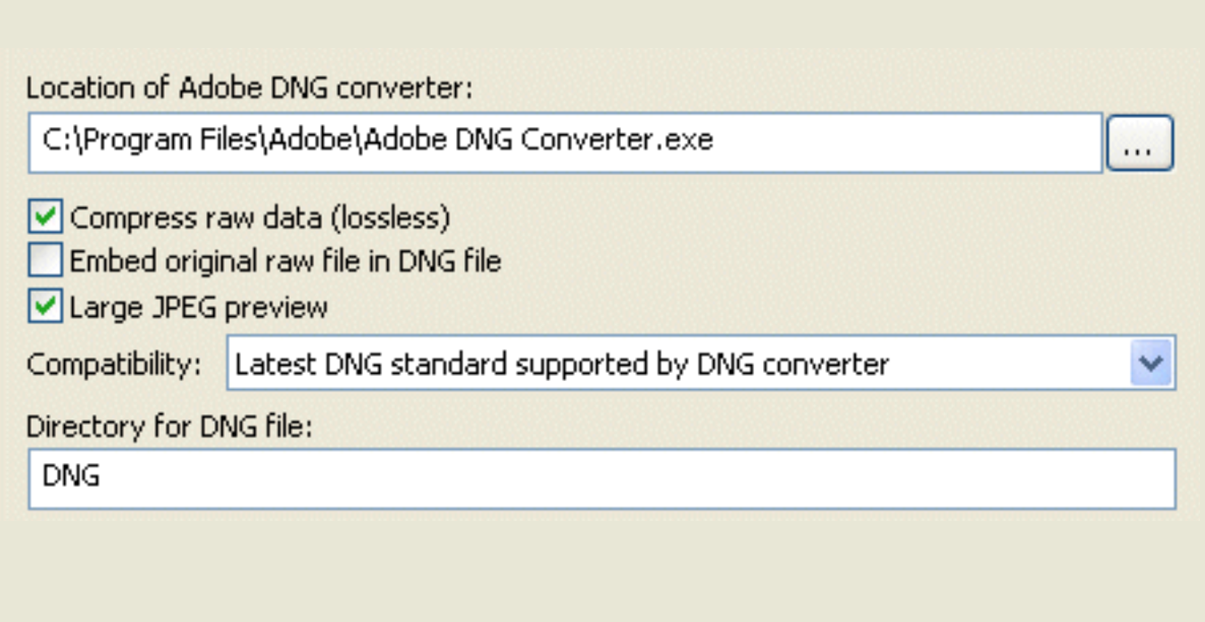
DNG Convertor Plugin
Use the DNG Convert Plugin to convert your raw files to Adobe’s DNG format for easy editing
- Supports the compatibility options in Adobe’s latest DNG converter
- Convert raw files from latest cameras to DNG files compatible with older versions of Photoshop and Lightroom
- No need to upgrade Photoshop/Lightroom just to support new cameras
Camera recognition
Download images from different cameras to different folders.
Breeze integration
Full integration with Browser Pro for quick organisation.
Backup images
Make up to two backup copies of each image as downloaded.
Convert raw files
Automatically convert raw files to Adobe's DNG format.
Synchronize clocks
Synchronize Canon camera clock with the clock on your PC.
Direct download
Download directly from most Canon EOS digital cameras.
IPTC/XMP data
Store photo caption and location information as downloaded.
Supports
JPEGS, raw and movie files from most camera makes.
Sub-second timing
Read sub-second timing from shooting data to uniquely name images from continuous sequences
Works with
Need support for Breeze Downloader?
Looking for help, the release history or older versions of the program? Use the Help & Support button below.